Apply to Work From Home
This guide walks you through the steps to apply to work from home in the HRMS Dashboard. Follow these steps to ensure that all necessary information is correctly entered.
Navigate to Work from home in the Dashboard
- Select Work from home from the Sidebar.
- This opens the page listing your previous WFH Applications.
- On the top right an 'Apply for WFH' button can be seen.
Apply for WFH
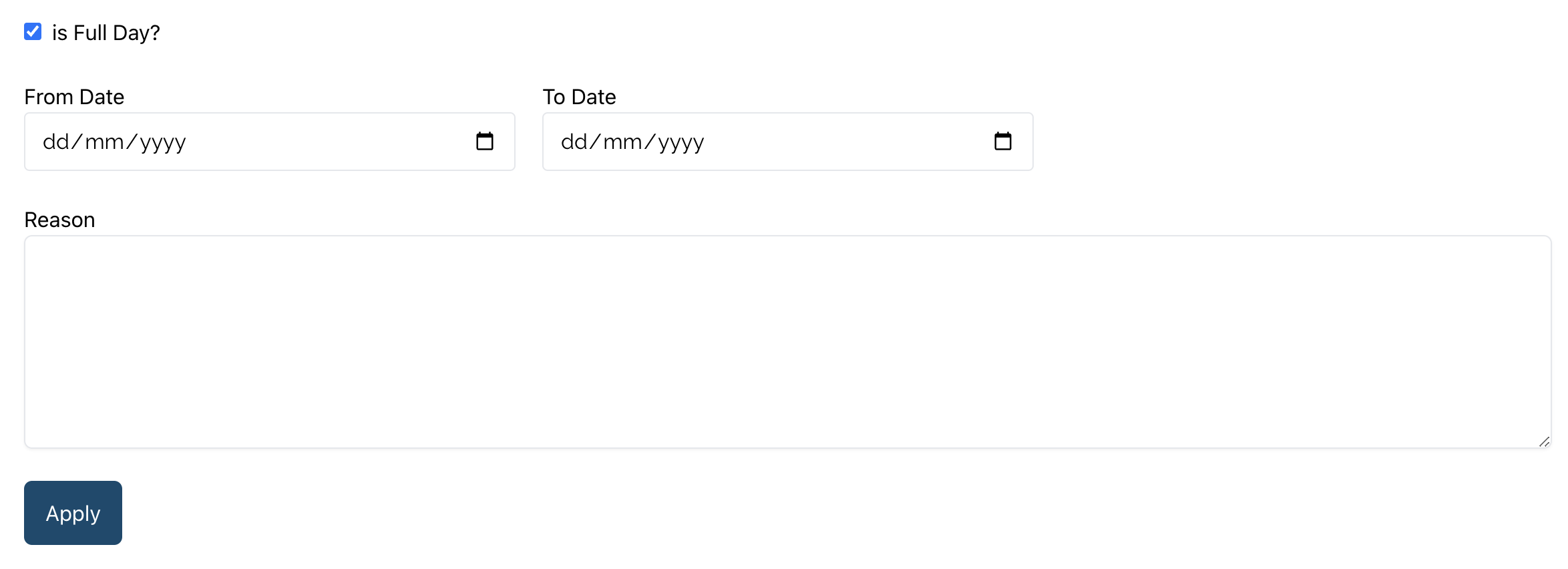
- Check or uncheck the 'is Full Day?' checkbox depending on whether you will be working from home for the entire day or not.
- Select the 'From' and 'To' date.
- Then, enter the reason for the leave in the input field above the 'Apply' button.
- Finally, click on the 'Apply' button.