Add/Edit Salary Details
This guide walks you through the steps to Add or Edit the Salary Details of an Employee.
Navigate to Employee Details page in the Dashboard
- Select 'User Details' from the Sidebar.
- In the 'Current' Employees listing page, click anywhere on an 'Employee' listing.
- This opens the Employee Details page.
Add/Edit Salary Details
- Click on the 'Salary Details' button at the top of the page.
- Two Tabs can be seen at the top of the page through which you can switch between Current and Previous CTC Details
- In order to add Salary Details, click on the Add or Add Salary Details button.
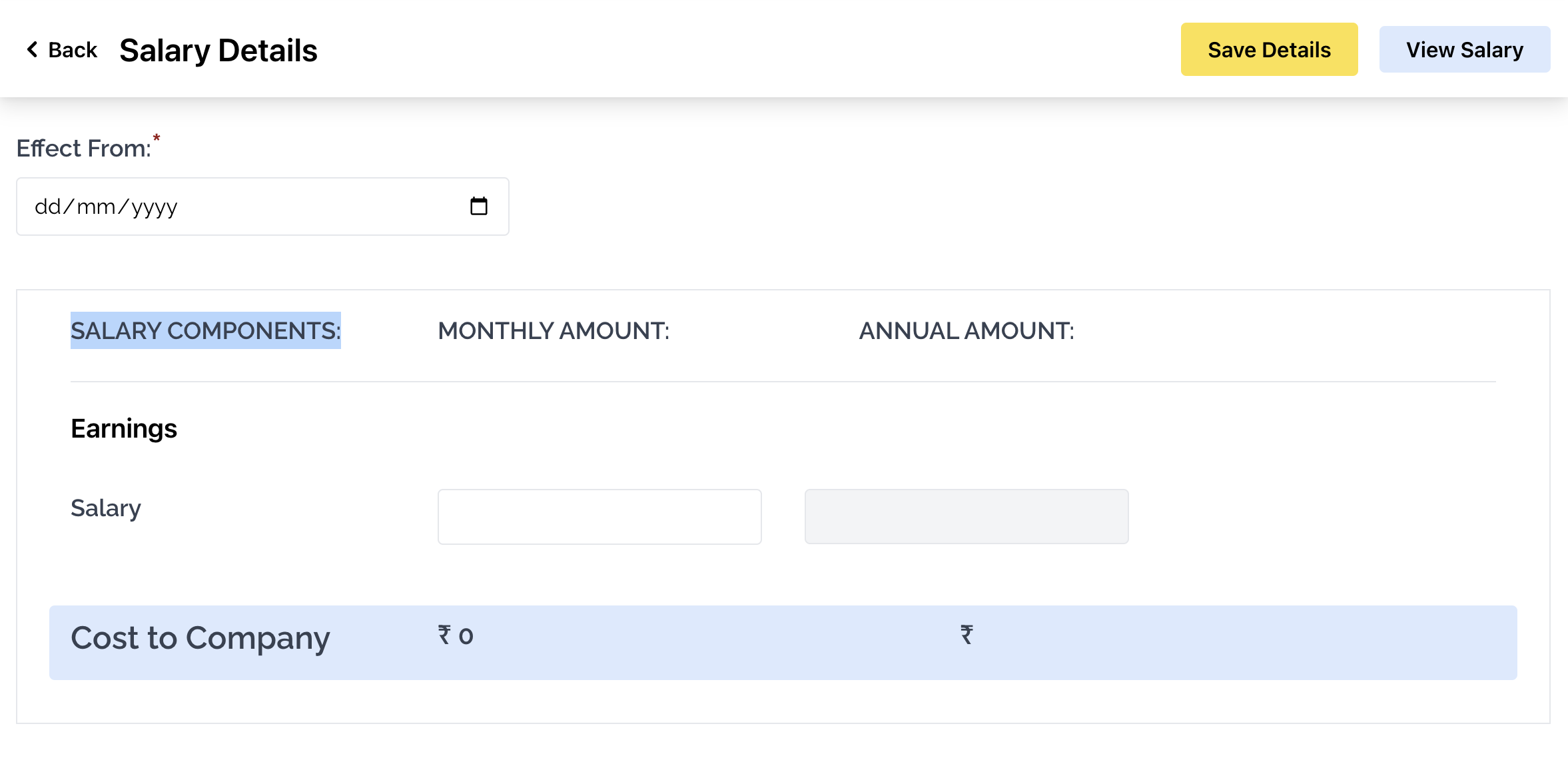
- This opens the form to add Salary Details.
- First select the date that the new Salary will be effective from.
- Then, type the Monthly and Annual amount.
- If you wish to view Previous Salary Details, select the 'Previous Salary Details' tab at the top of the page.