Check Shift Details
This guide walks you through the steps to find the table that shows the details of your shift in the HRMS Dashboard.
Navigate to Shift Details in the Dashboard
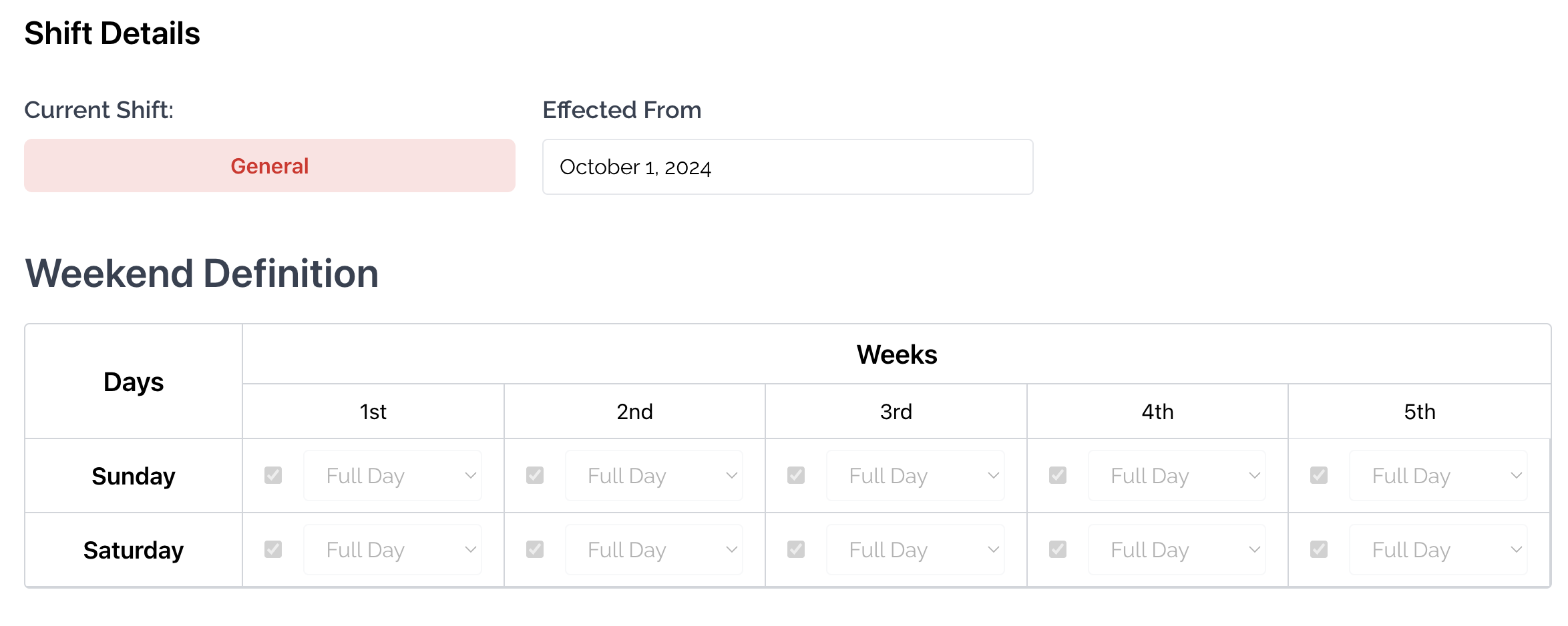
- Select Shift Details from the Sidebar.
- Here you will see the type of your Shift (For ex. General).
- Next to the type of Shift, the date that your Shift has been effective from can be seen.
- Below that, the table of your Weekend Definition can be seen.