Manage Company Settings
This guide walks you through the steps of Managing Company Settings.
Navigate to the Company Settings page in the Dashboard
- Select 'Company Settings' from the Sidebar.
- This opens the Company Settings page.
Manage a Setting
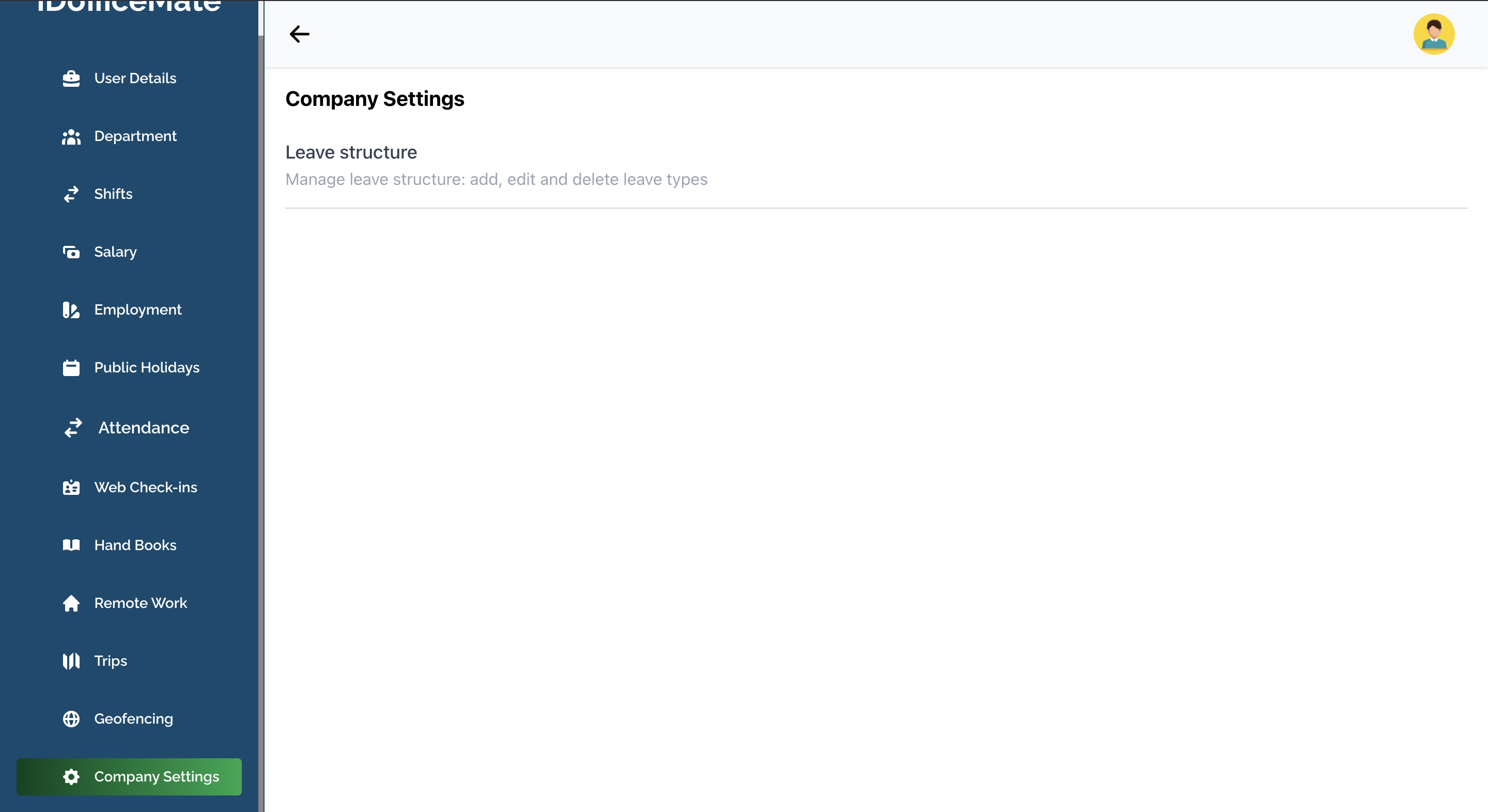
- Click on a Setting in the list.
- This will take you to the page where you can edit the setting.